A DRAWING EXERCISE
Gesture drawing practice with timed poses
Draw the action, not every detail. Pick a category or individual poses from 91 AI-generated, clothed figure references, choose the same time per pose or a class-mode sequence that moves from short gestures to longer studies, browse random poses without a timer, or practise with your own images. Practice is free and needs no account.
Set up your practiceTry a reference pose
Choose an AI-generated example to practise it on its own, or set up a mixed session below.
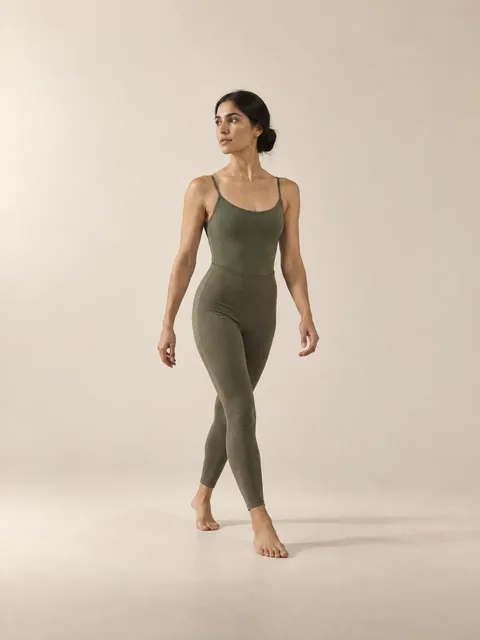
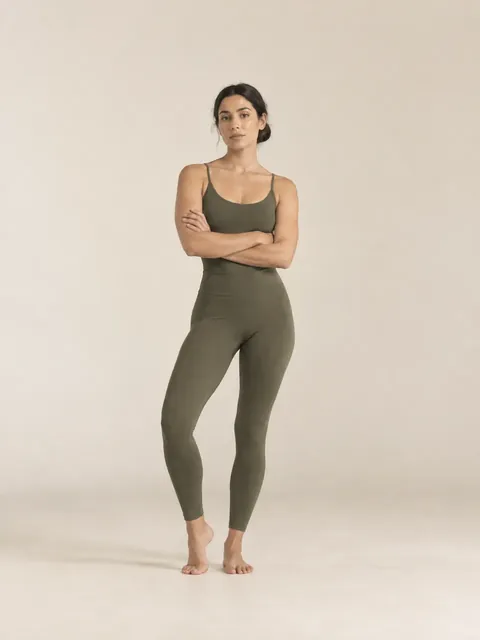
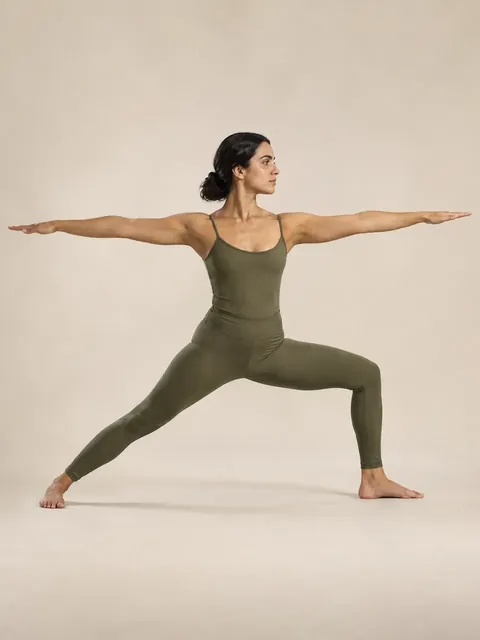
DRAWING PRACTICE
Make time to draw.
Choose same-time practice, a progressive class-mode session, or random poses without a timer.
1 selected: Warrior II
Random mode shuffles all 1 image in the chosen set. No new image is generated.
1 pose available in this set. This session will use this pose.
How to use the timer
- Choose a set. Pick a category, select individual library poses, or choose your own JPEG, PNG or WebP images, then set the time per pose and set size. Your images stay in your browser for this session. If a set has fewer poses than requested, the session uses the available poses. The Upper body set includes original close-up images and cropped details of full-body images; switch to the full image when available.
- Start with the movement. Look for the line of action and the direction of the shoulders and hips. Use the first few marks to capture weight and balance. Mirror the image to see the pose from the opposite direction, or use full screen when your browser supports it.
- Let the next pose appear. The clock starts after the image loads. Pause or skip whenever you need to; leaving the tab pauses the clock. Go back to the previous pose to study it again; its timer restarts.
Random pose generator without a timer
Pick a category, select individual references, or choose your own images; then select “Show a random pose” and use Next pose whenever you are ready. Each image appears once before the set ends. Built-in references are existing AI-generated images, not newly generated poses or adjustable 3D models.
A one-minute exercise for beginners
Start with a loose line that follows the figure's overall movement. Add simple shapes for the head, ribcage and pelvis, then mark the direction of the arms and legs. Use the time left to check the weight and spaces between limbs. You do not need a finished drawing; try another pose and compare what you noticed.
For more on these foundations, see Line of Action's guides to the line of action and head, ribcage and pelvis.
Choose a practice length
Try 20, 30 or 40 seconds to capture the broad action, one or two minutes to add the main masses and balance, or five minutes to study the silhouette and clothing. You can also enter a custom time from 10 to 1,800 seconds per pose. An optional sound can mark the end of each timed pose; it is off by default and depends on your browser and device settings.
About the references
Our built-in references are AI-generated images of clothed figures, not photographs of live models or an anatomy atlas. Hands, joints, proportions and balance can contain errors. Use them for gesture and composition, and compare with real-life or anatomical references when studying anatomy.
Explore the full pose library for individual studies and drawing notes, or use the AI pose generator to create a different pose from a photo.